
About This Server
|
↓ Scroll to ↓ |
Welcome to my website! I'm glad you're here, and interested in the purpose and logistics of my domain. This website has been a hobby of mine since 2011. I used to own the domain "www.ChittamStick.com", which is Chinook Jargon for "Shit Tree". I figured that I needed a more professional appearance online, so here I am! This website is constructed using php-index files, php-includes and defining variables to make it extremely easy to create new pages. I hope it works well for you! If you experience any problems, please let me know and I will fix it right away! If you are interested in hosting your own website, and you need some help getting started, contact me and I will point you in the right direction. The following pictures are from the various iterations of my website.
Most Recent Configuration (03/2015): |
|
|---|---|
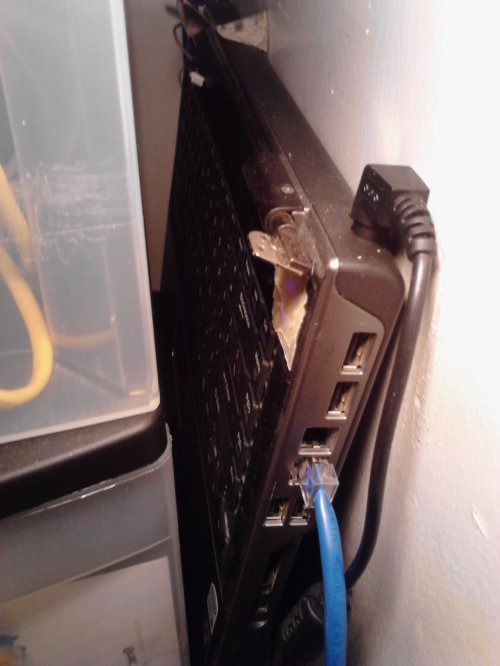
Not exactly what you would expect to be hosting a website, but this is the laptop that is currently hosting everything you see here on www.AlexGalloway.com. It is silent 24/7, has a battery in case of power failure, and is so small, I sometimes forget it is here! Laptops that are missing screens make perfect servers! |
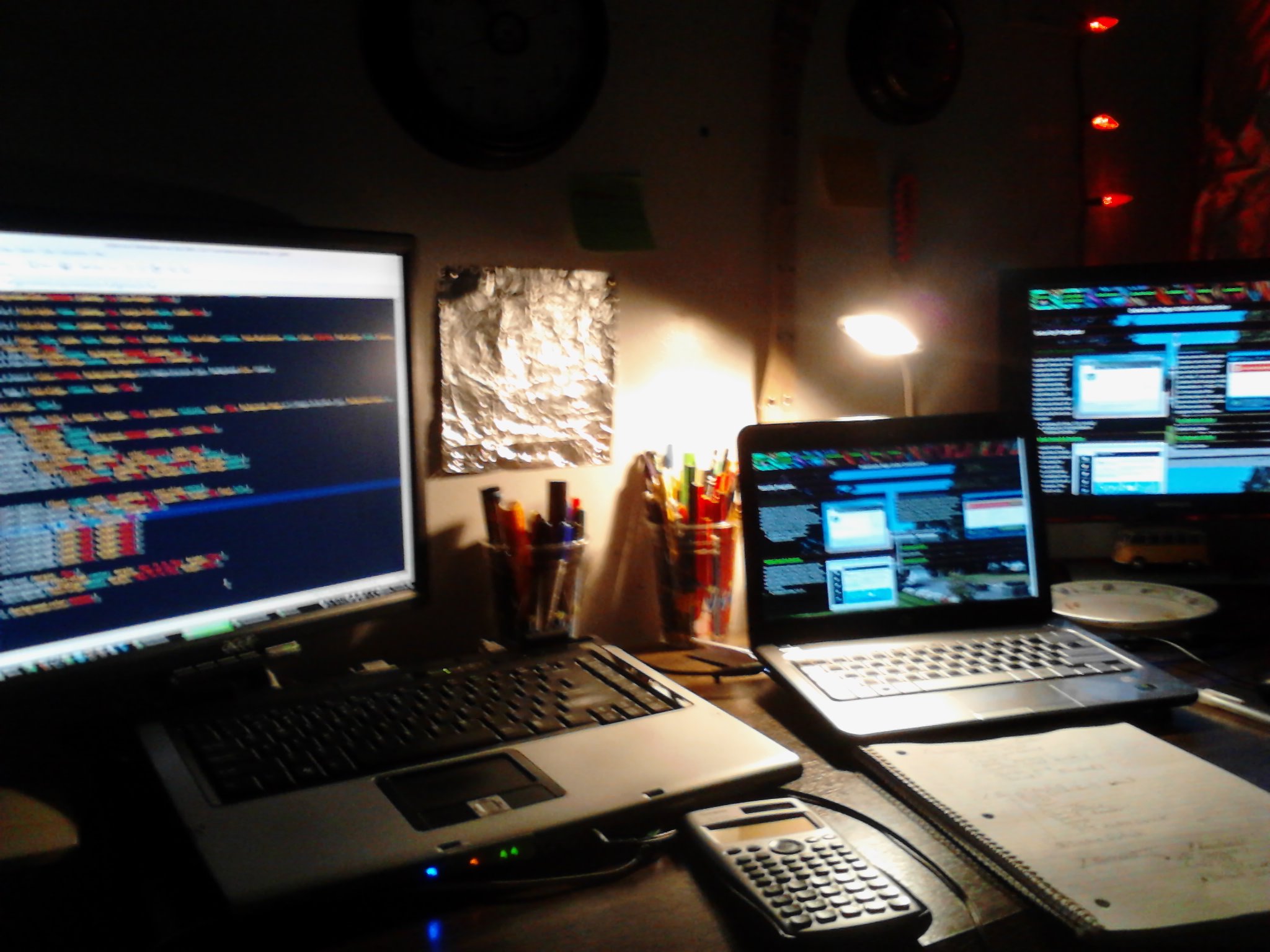
It makes things so much easier when you have three screens at your disposal, even if they are small ones like these. From here I write all of the HTML, CSS, PHP, & Javascript that runs everything here. I plan on doing some serious upgrades to my equipment by the end of the year. It is long overdue. |
22-09-2011 (v2) Configuration: |
|
|---|---|
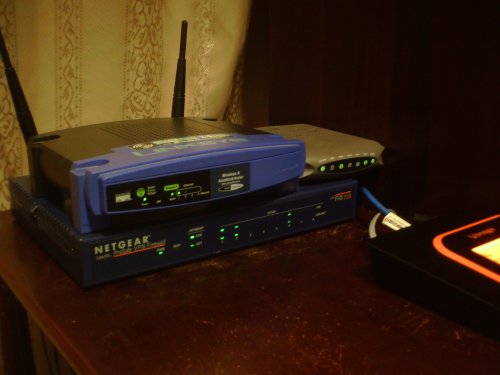
New router configuration. Notice the Linksys wireless router doesn't have it's "Internet" light on... It isn't the router. It is only a wifi access point now. The router is actually a VPN Firewall from Netgear (its the nice lookin' box on the bottom with a dent on the left). Then you can see an old Docsis 2 Comcast modem. |
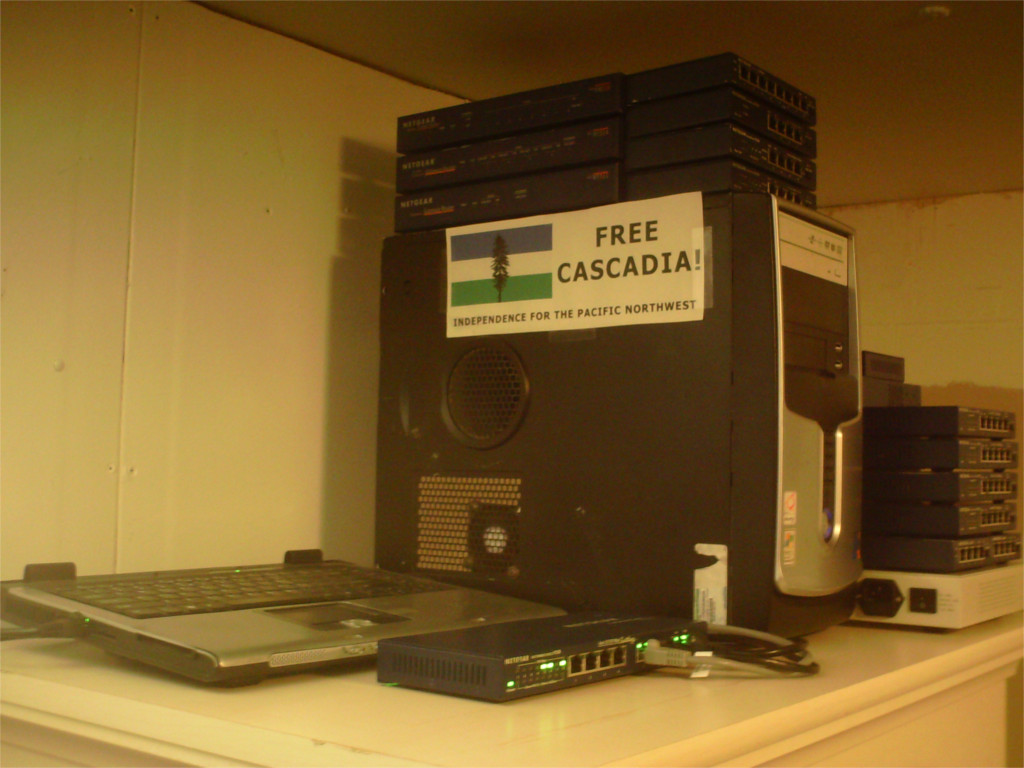
The Pentium-4 tower in the center used to be my SSL server when I owned Chittamstick.com. It was 256-bit encrypted with a self-signed ssl certificate. Since it was self-signed, You would be given a warning page from your browser, asking you to add my key to use encryption. I had both http, and https servers, with different content on each and many subdomains, like secure.chittamstick.com, & ie.chittamstick.com which told Internet Explorer users to get a browser that didn't suck lol! I will eventually buy an ssl key from a verified provider so it will be trusted across the web as verified to be secure. In this pic, you can also see the switch (low center)- it connects everything to the main router across the house via a 50ft Cat6 cable through the floor. It keeps my data secure, not over wifi. :). |
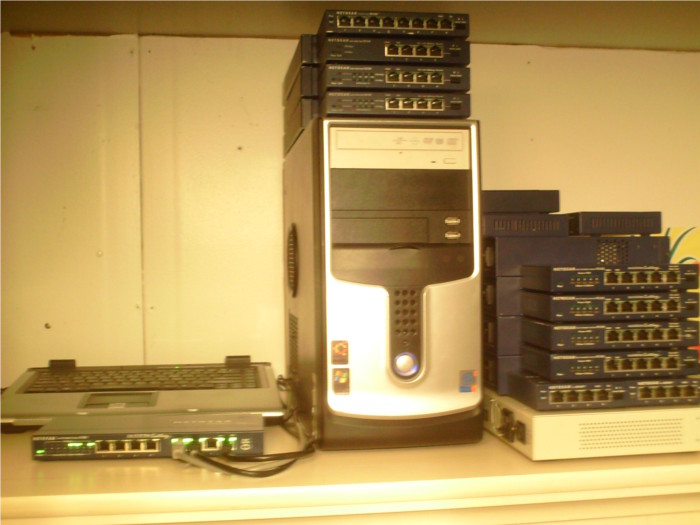
A front-side view of the servers. If you are wondering why on earth I have all of those Netgear routers, hubs, firewalls and switches... well- I bought them all on eBay [20+ of them] all at once (except for the huge gray D-link hub on the bottom, and a couple others). So if you would like one cheap... lets say 5 bucks, it's yours. Sound good? It should! |
First Configuration (v1): |
|
|---|---|
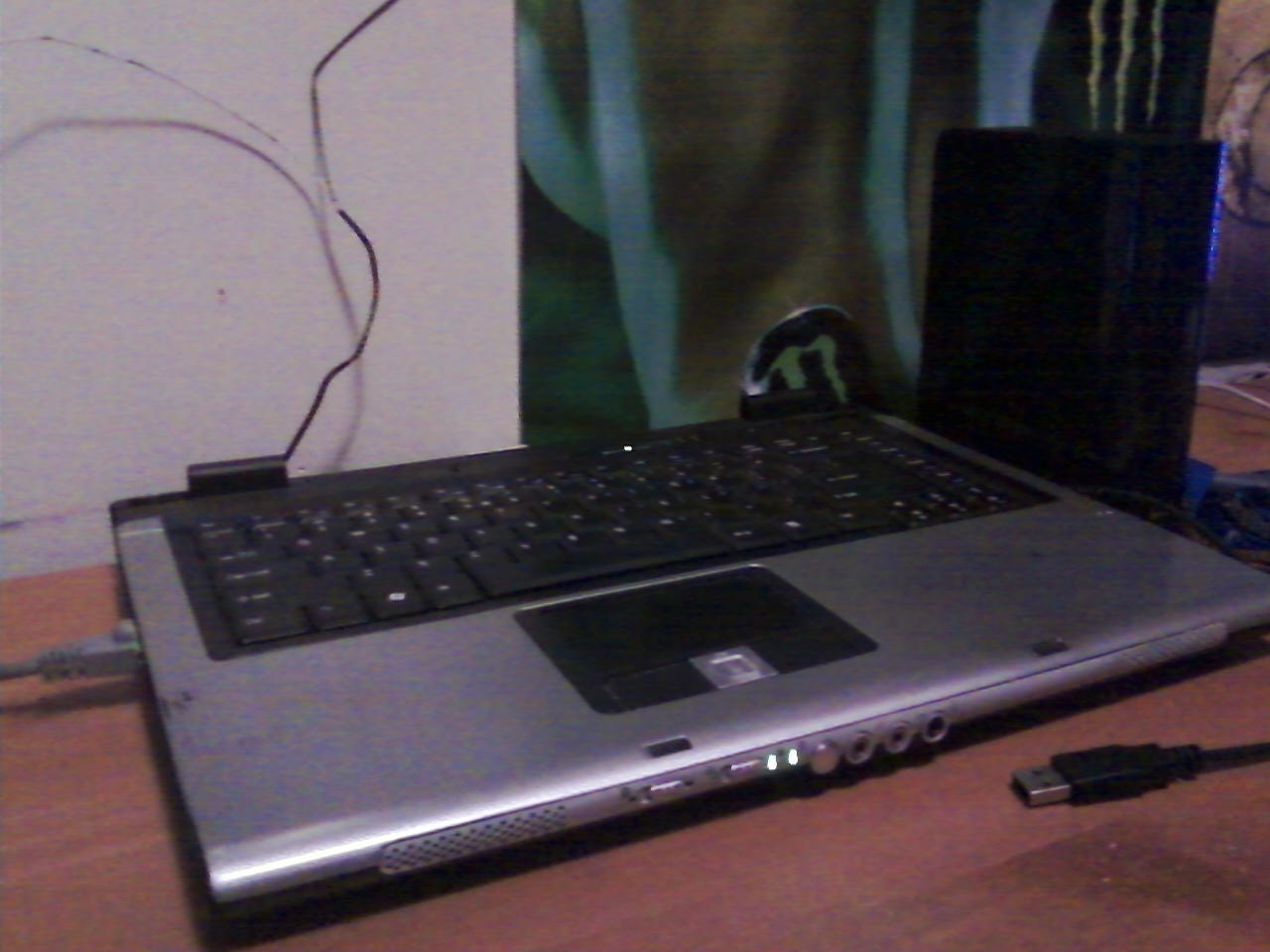
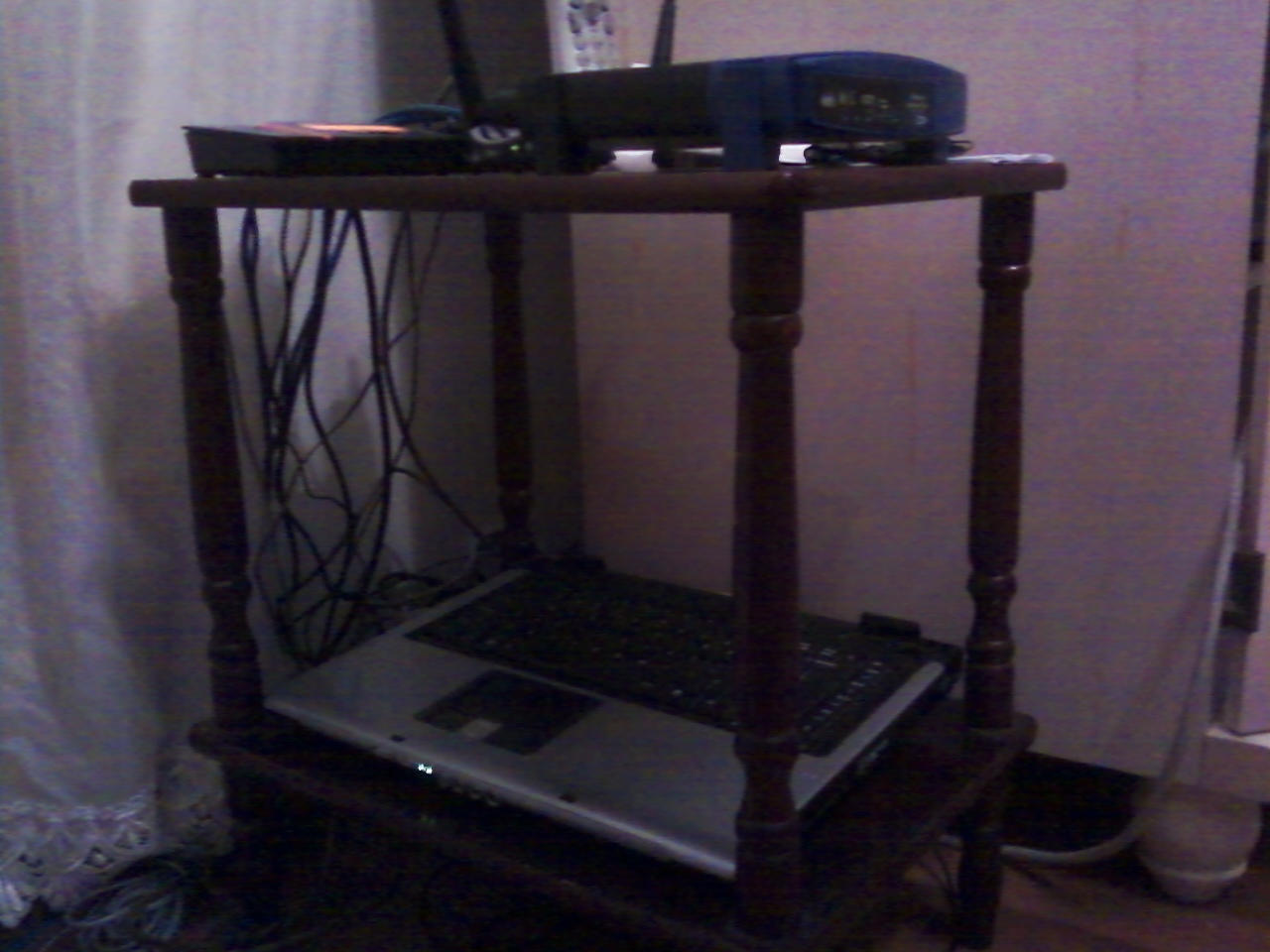
Old Piece of crap Acer Aspire that I used to use to host my website, but now I use it to write the code on my website. |
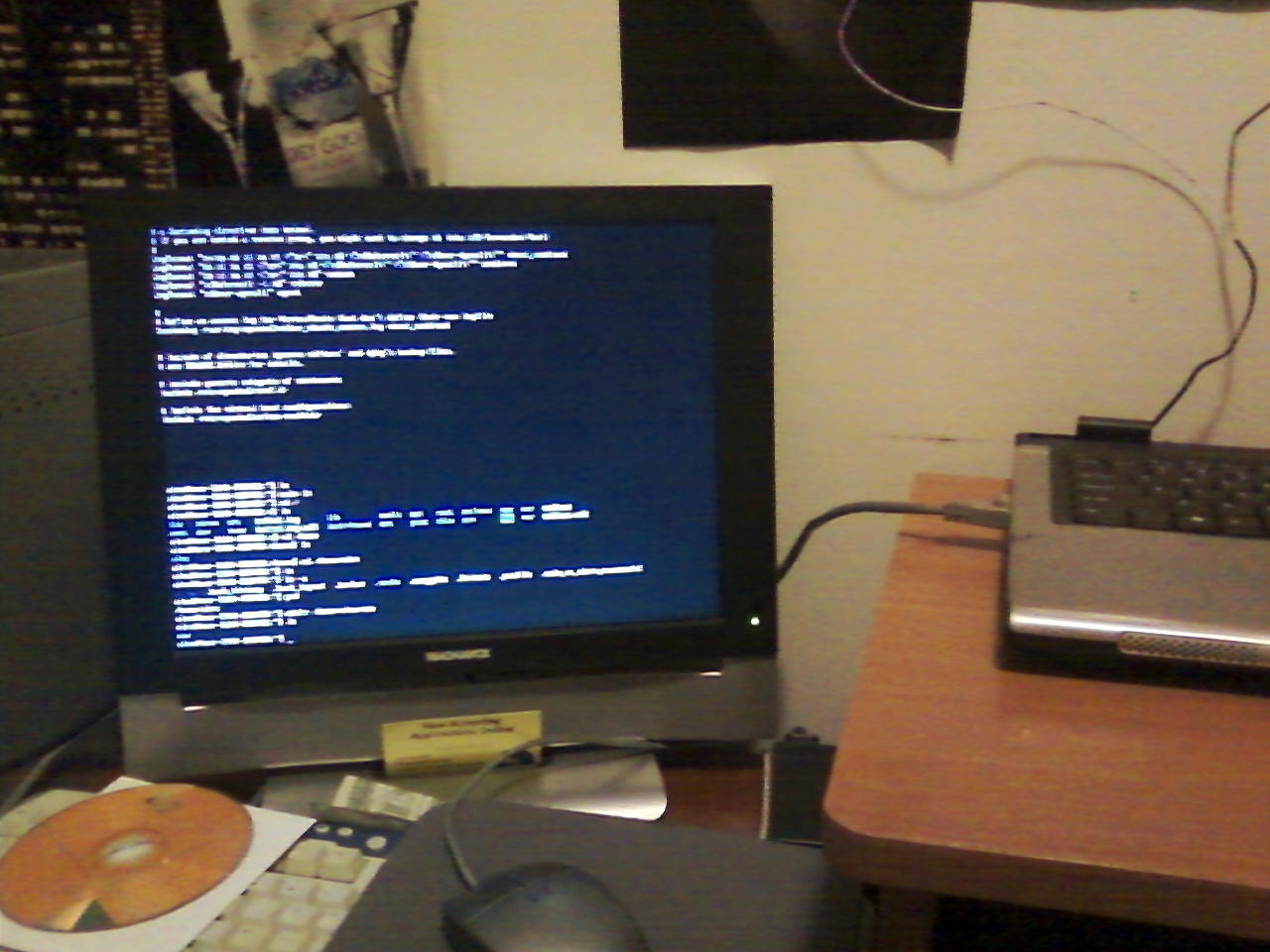
Setting up LAMP after Ubuntu Server 10.04.1 was installed. This is done all in the command line interface, with no graphical user interface. |
Broadcasting to the Internet for the first time! Establishing my web presence. |
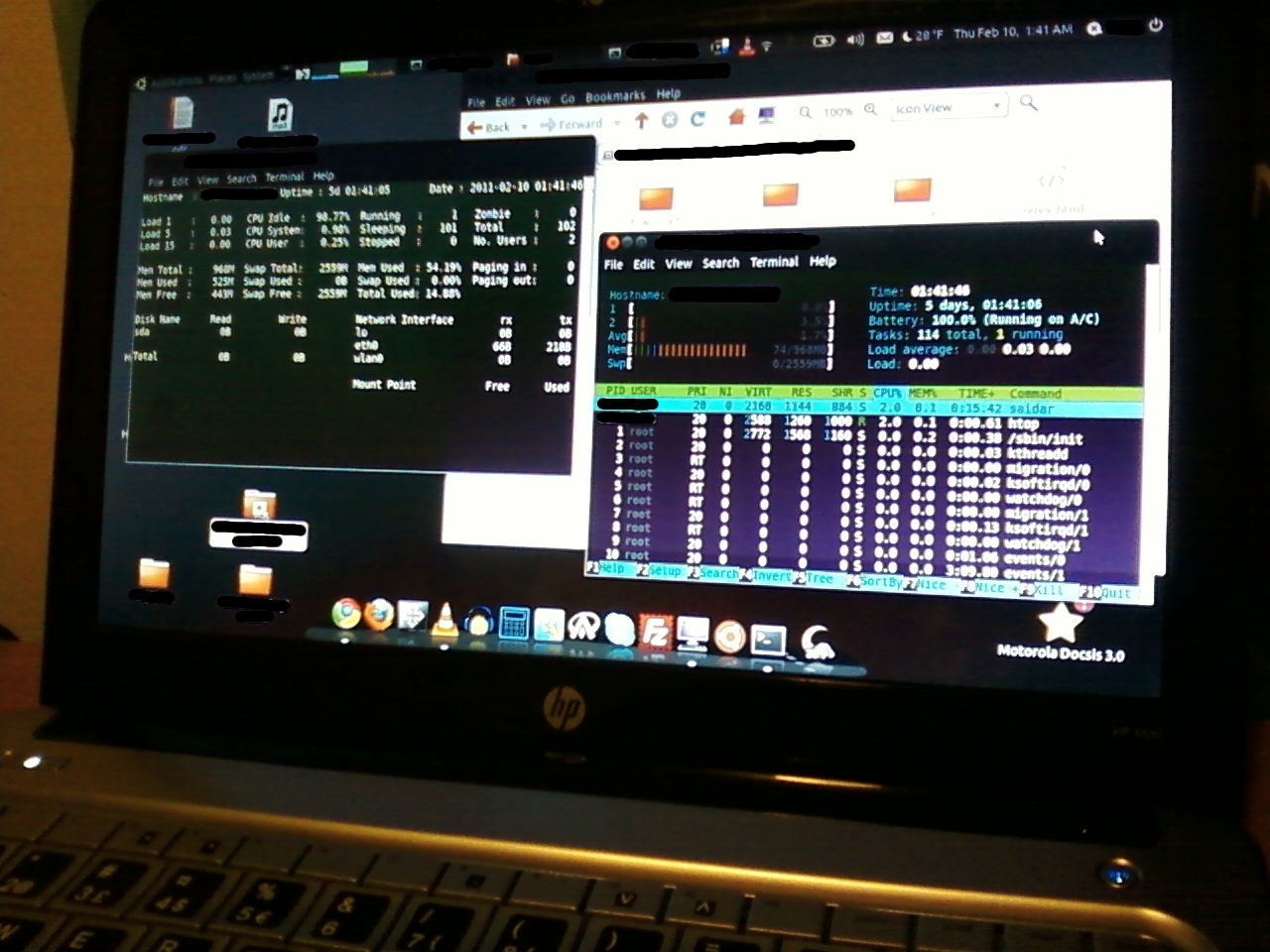
Remote Management. From my bedroom via my badass netbook- because I had the server connected to the router in the living room... |
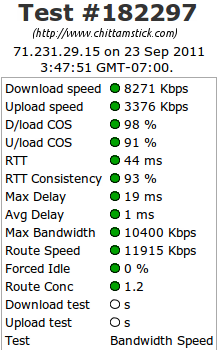 |
Special Thanks to RealFavIconGenerator for making favicons extremely simple!